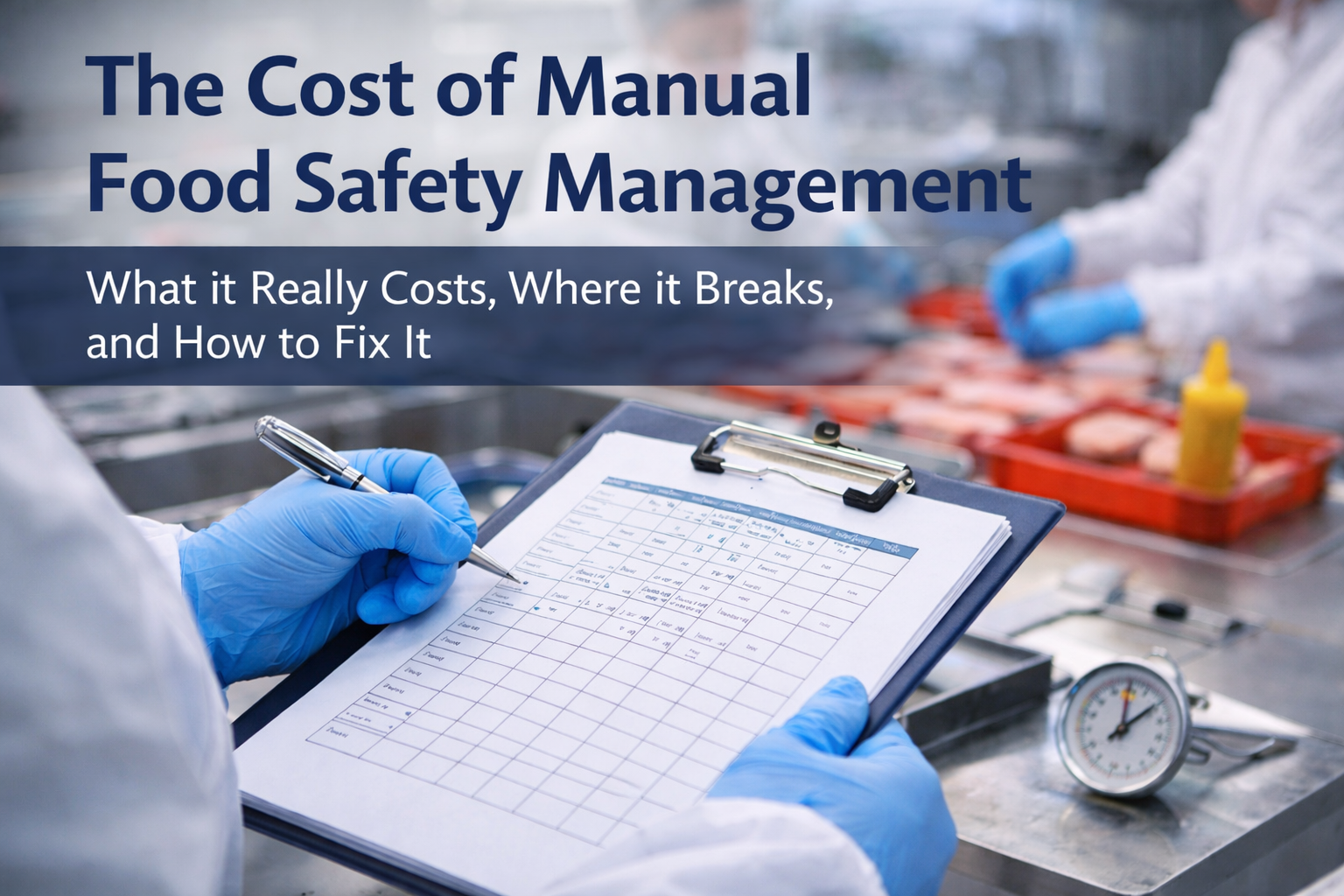
Manual food safety management still “works” in many plants—until it doesn’t. Clipboards, binders, spreadsheets, shared drives, and email threads can look acceptable on the surface. Tasks get completed. Records exist. Audits are passed. But the true cost of manual systems is rarely visible on a P&L line in a way that forces action—until a customer complaint, a failed audit, a recall, or a key employee departure exposes how fragile the whole operation is.
For food safety professionals and C-level leaders, the question isn’t whether manual systems have a cost. The question is whether that cost is controllable, predictable, and defensible as your business scales, adds SKUs, expands sites, or faces tighter customer expectations and regulatory scrutiny.
This article breaks down the real cost of manual food safety management, the operational risks it creates, and a step-by-step path to modernize without chaos—using practical examples from day-to-day plant reality. You’ll also see why many operations are moving toward food safety software and Food traceability software to reduce errors, accelerate audits, and improve decision-making.
What “Manual” Food Safety Management Actually Means
When we say “manual,” we usually mean a system where the food safety program is maintained through:
-
Paper records (pre-op checks, CCP logs, sanitation records, allergen changeovers)
-
Excel trackers (training matrix, internal audits, corrective actions, calibration logs)
-
Email-based approvals (SOP updates, preventive control changes)
-
Shared folders with version confusion (“FINAL_Final_v7_revised_REALfinal”)
-
Hand-entered temperature logs and manual verification
-
Traceability performed through ERP exports, paper pick lists, and human memory
None of these tools are “bad.” The issue is that they were never designed to run a high-velocity compliance system with hundreds of recurring tasks, multiple roles, and audit-grade evidence requirements.
Manual systems rely on heroics: people remembering, chasing, reconciling, double-checking, and catching mistakes before someone else does.
The Hidden Costs of Manual Food Safety Management
1) Labor Drag: The Silent Payroll Tax
Manual food safety is labor-intensive in ways that don’t show up as “food safety labor.” It’s spread across quality, operations, supervisors, sanitation, maintenance, and admin.
Common time leaks include:
-
Printing, distributing, collecting, and filing records
-
Re-entering the same data into spreadsheets for trending or reporting
-
Chasing missing logs (“Who did cooler #3 yesterday?”)
-
Reviewing handwriting, interpreting ambiguous entries, requesting clarifications
-
Assembling audit evidence manually (hours or days of document hunting)
What it costs:
Even a “small” plant can lose 10–30 hours/week across the organization. Multiply that by fully-loaded labor rates and you’re quietly burning thousands per month—every month.
Example:
A QA coordinator spends 2 hours/day assembling verification records, scanning logs, and emailing supervisors to correct mistakes. That’s 10 hours/week. Add the production supervisor and sanitation lead doing 3 hours/week each of follow-ups. You’re easily at 16 hours/week—just to keep the paperwork coherent.
2) Error Cost: The Price of Preventable Mistakes
Manual systems create errors because they depend on humans doing repetitive tasks perfectly under time pressure.
Typical manual errors include:
-
Missed monitoring checks (especially during shift change)
-
Backdated records (sometimes unintentional, sometimes “to make it work”)
-
Incorrect lot codes recorded
-
“Filling the log at the end” instead of real-time monitoring
-
Inconsistent corrective action documentation
-
Wrong document version used on the floor
-
Training records not updated when roles change
What it costs:
-
Non-conformances during audits
-
Customer complaints
-
Rework, holds, scrap
-
Lost time investigating what happened
-
Credibility hits with regulators or major customers
Example:
A CCP log shows a check was completed, but the product that shipped doesn’t match the lot number recorded. Now you have an investigation that burns 6–20 hours, triggers a hold, and forces a risk decision with incomplete evidence.
3) Audit Cost: The “Audit Panic” Cycle
Manual systems are audit-friendly only when people have been maintaining them perfectly—which rarely happens consistently across teams and turnover cycles.
Audit prep becomes:
-
A month-long scramble
-
A clean-up effort
-
A “please sign this” situation
-
A time sink for senior leaders who should be focused on performance
Auditors don’t just want records—they want:
-
Evidence of control
-
Consistency
-
Traceable decisions
-
Effective corrective actions
-
Document control discipline
What it costs:
Audit prep time explodes because evidence isn’t instantly retrievable. That means overtime, interruptions, and distraction across the plant.
Example:
For a GFSI audit, the QA team pulls 3 months of sanitation records, allergen checks, metal detector verifications, calibration logs, and training files. In manual systems, those are scattered across binders, emails, and spreadsheets. This can easily be 40–120 hours of prep effort depending on complexity.
4) Traceability Cost: When You Need Answers Fast
In a real incident—customer complaint, allergen risk, pathogen concern—time matters. You need to answer:
-
What lot was used?
-
Where did it go?
-
What other products share that raw material lot?
-
What was the process history?
-
Who verified the controls?
Manual traceability usually means:
-
Pulling shipping documents
-
Checking receiving logs
-
Matching production sheets
-
Cross-referencing spreadsheets
-
Calling people who “might remember”
-
Hoping your lot coding is consistent
What it costs:
Every extra hour increases recall scope, increases financial exposure, and increases reputational risk. This is where Food traceability software becomes less of a “nice-to-have” and more of an insurance policy.
Example:
A customer reports undeclared allergen risk. Your team takes 8 hours to identify the affected lot range because records are split between paper batch sheets and a spreadsheet maintained by one person. Meanwhile, product is still in the market and leadership is stuck deciding whether to recall broadly “just in case.”
5) Management Cost: Decisions Without Real Visibility
Manual systems generate data but not intelligence. If trending exists, it’s often delayed and incomplete. That means leadership is flying blind on:
-
Recurring deviations by line, shift, supplier, or SKU
-
Sanitation effectiveness patterns
-
Temperature excursions and chronic equipment issues
-
Training gaps by role and area
-
Corrective action cycle time and repeat issues
What it costs:
Poor decisions, late decisions, or overly conservative decisions that hurt margin.
Example:
A cooler has frequent excursions. In a manual system, it takes weeks before someone notices a pattern, because records are paper-based and not trended. Meanwhile you lose product shelf-life and increase risk.
6) Turnover Cost: The “Key Person” Risk
Manual food safety programs are usually carried by a few people who “know where everything is.”
When that person leaves, you don’t just lose labor—you lose:
-
System knowledge
-
File structure logic
-
The unwritten process for making audits work
-
The informal understanding of what to prioritize
What it costs:
Extended onboarding, program gaps, more mistakes, and stress across the team.
Why Manual Systems Persist (Even When They’re Expensive)
Manual systems persist because:
-
They feel cheaper than changing
-
They’re familiar
-
They worked in the past
-
The plant is busy and transformation feels risky
-
Leaders underestimate the hidden costs
Here’s the blunt reality: manual systems are often only “cheap” because the cost is hidden inside operational chaos.
A Step-by-Step Approach to Modernize Without Breaking Operations
The right approach isn’t “rip and replace everything.” That fails. The winning approach is staged, controlled, and tied to business outcomes.
Step 1: Quantify the Manual Burden (1–2 weeks)
Start by measuring:
-
Hours/week spent collecting, fixing, and filing records
-
Audit prep hours per audit type (regulatory, customer, GFSI)
-
Number of missing/incomplete logs per week
-
Average time to close corrective actions
-
Time to complete traceability exercises
Output: a simple baseline report that translates pain into dollars and risk.
Example metric:
“20 hours/week of QA/admin work tied to record management at $40/hour fully loaded = $800/week = ~$41,600/year, not counting supervisory time.”
Step 2: Map Your Critical Control Workflows (2–3 workshops)
Don’t start with your entire system. Start with the workflows that cause the most risk and rework:
-
CCP/PCP monitoring and verification
-
Allergen controls and changeovers
-
Sanitation and pre-op
-
Corrective actions and holds
-
Temperature monitoring and deviations
-
Document control (SOPs, forms, revisions)
-
Training records and sign-offs
-
Traceability and mock recall
Output: a prioritized list of workflows ranked by risk + time burden.
Step 3: Standardize Before Digitizing (Fast wins)
Digitizing chaos just gives you digital chaos.
Standardize:
-
Form structure (what fields are mandatory, what’s optional)
-
Naming conventions (equipment IDs, line names, lot code formats)
-
Frequency rules (what must happen per shift/day/week)
-
Approval logic (who reviews what, when)
-
Corrective action requirements (root cause, action, verification, close-out)
Example:
If “Line 2” is also called “Packaging 2” and “P2,” fix that first. Traceability depends on consistency.
Step 4: Implement in Phases (Not All at Once)
A practical rollout sequence for many plants:
Phase A: Tasks + Records
-
Daily checks (pre-op, sanitation, CCP monitoring)
-
Automatic reminders and escalations
-
Mobile-friendly logging
-
Real-time verification
Phase B: Corrective Actions + Holds
-
Structured non-conformance capture
-
Root cause and close-out tracking
-
Evidence attachment (photos, documents)
-
Management visibility into open risks
Phase C: Document Control + Training
-
One source of truth for SOPs
-
Digital acknowledgment and training matrix
-
Version control with audit trails
Phase D: Traceability + Reporting
-
Faster mock recalls
-
Lot linking visibility
-
Trend dashboards and performance reporting
This is where food safety software earns its keep: it reduces the friction of doing the right thing and makes proof easy.
Step 5: Train Like You Mean It (And Make It Stick)
Training is not a one-time meeting. It’s:
-
Role-based
-
Practical
-
Supported with simple SOPs and checklists
-
Reinforced with supervisors
-
Audited through usage, not attendance
Example:
Instead of “everyone attend software training,” train:
-
Operators: how to log checks correctly in under 30 seconds
-
Supervisors: how to review, verify, and escalate
-
QA: how to manage programs, close corrective actions, and prep audits
Step 6: Prove ROI with 3–5 KPIs (First 60–90 days)
Pick measurable KPIs:
-
Missing records reduced by X%
-
Audit prep time reduced by Y hours
-
Corrective action closure time reduced by Z days
-
Time to complete mock recall reduced from hours to minutes
-
Deviations caught earlier (leading indicator improvements)
Example outcome:
“Mock recall went from 6 hours to 45 minutes, with complete lot linkage evidence.”
Practical Examples: Manual vs Digital
Example 1: Daily Cooler Temperature Checks
Manual: Operator writes temperatures on a sheet. QA later reviews, finds missing entries, chases. Trends are rare.
Digital: Operator logs on mobile. Missed check triggers reminder. Out-of-range triggers immediate corrective action workflow.
Result: fewer missed checks, faster intervention, better evidence.
Example 2: Allergen Changeover Control
Manual: Changeover checklist in a binder; verification sometimes skipped during rush. Investigation after complaint is painful.
Digital: Mandatory checklist steps, required verification sign-off, evidence attachment, time-stamped completion.
Result: reduced allergen risk and stronger defense in case of complaint.
Example 3: Document Control for SOP Updates
Manual: SOP is updated in Word, printed, emailed, maybe posted. Old versions stay in circulation.
Digital: Central document control, version history, controlled access, staff acknowledgments logged.
Result: fewer “wrong version” findings during audits.
The Bottom Line for C-Level Leaders
Manual food safety management creates:
-
Hidden labor costs
-
Higher error rates and rework
-
Slower incident response and traceability
-
Audit stress and inefficiency
-
Fragile systems dependent on key people
-
Limited visibility into risk and performance
The longer it persists, the more it acts like operational debt. It compounds as you grow.
Modernizing isn’t about chasing a trend—it’s about protecting margin, reducing risk, and making your food safety program scalable and resilient.
Want to See What This Looks Like in Practice?
If you want to explore how a digital approach can reduce the burden and strengthen execution, you can book a demo here: https://normex.ca/demo
The right discussion isn’t “paper vs software.” It’s: how fast can your team prove control, respond to risk, and run consistently—without burning time and people to keep the system together?